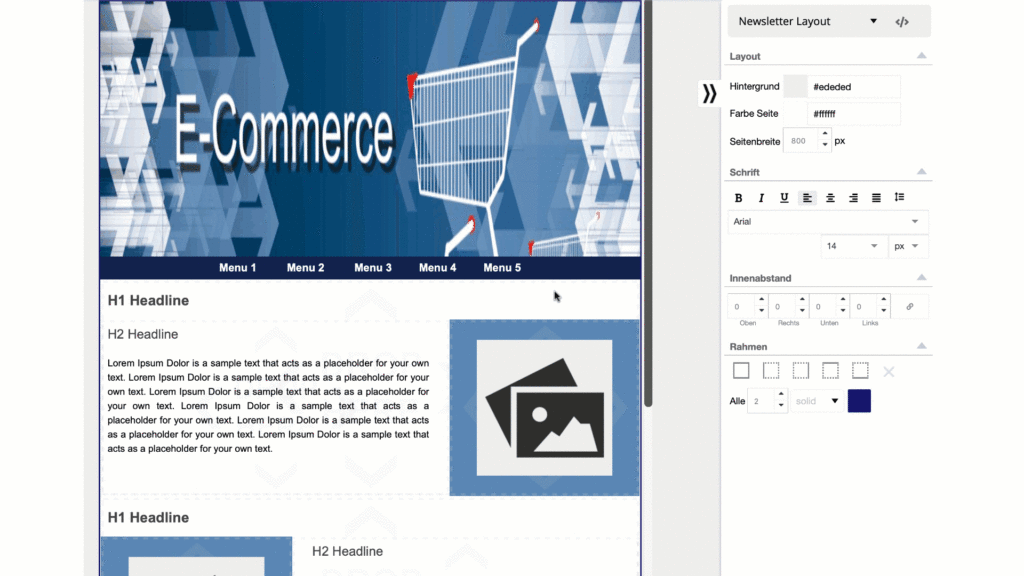
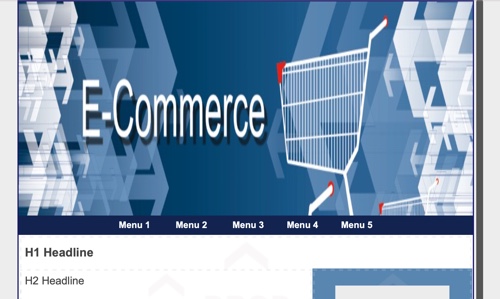
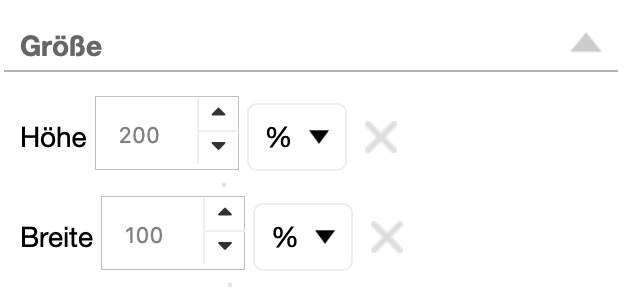
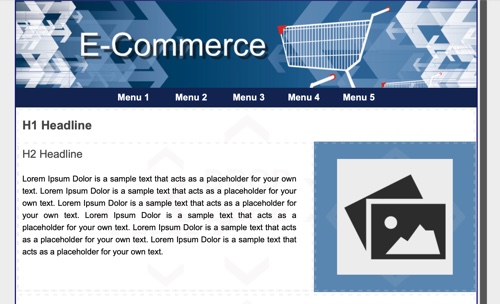
1. click on the picture and see the size. 200{6da06ecf3ea5cbe511a02ae1b086f45a3da44f8787c65ebbe3242b894280cbf1} height times 100{6da06ecf3ea5cbe511a02ae1b086f45a3da44f8787c65ebbe3242b894280cbf1} width means that the image is twice as high as it is wide - and that with a narrow banner!
The image size is responsible for the distortion
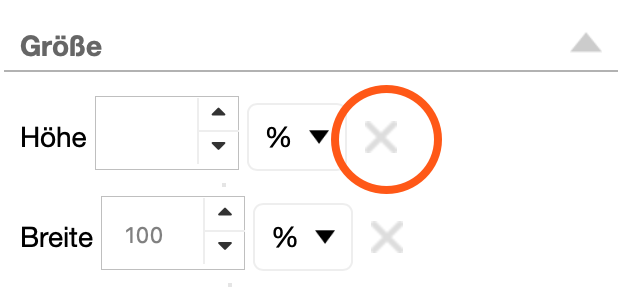
2. simply delete the height by clicking on the X to the right of the field for specifying the height.
This automatically calculates the height of the image and the aspect ratio remains the same.
The Height field must really be empty, if you enter a different value, the image will be distorted again.
With these settings, the image will be displayed correctly in the newsletter.